Reading the listing…
Pulling metadata, screenshots and recent reviews from the App Store.
Reading the listing…
Pulling metadata, screenshots and recent reviews from the App Store.
Top-tier listing. Defend it and keep shipping.
Land the top 3 fixes below and this listing reaches 98/100 · 8,672 m (Summit Ridge).
 7,876 m
Ordered by how many points each one adds to the score. Start at the top.
Last 40 written reviews average 1.5★.
Recent written reviews trend negative, and they are the first ones visitors read. Reply to them and fix the top complaint (see Review Radar below).
Generic notes: “- Bug fixes and performance improvements.”
“Bug fixes and improvements” tells existing users nothing. Name what changed: it is free re-engagement copy shown in the Updates tab.
3 iPad screenshots.
The app runs on iPad but shows few or no iPad screenshots. iPad visitors see a weaker listing.
On iOS, only the title, subtitle and hidden keyword field count for search. The description does not. Words you only mention there are invisible.
4 unique words. Apple combines them, so “budget” and “planner” also rank for “budget planner”.
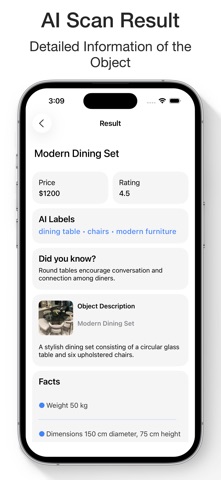
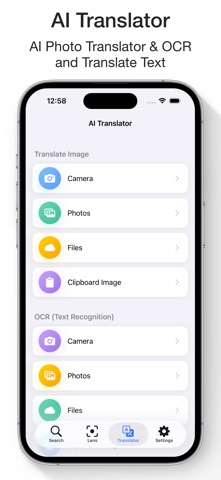
The first three do most of the selling: they appear directly in search results. Read them as a stranger would, in two seconds.
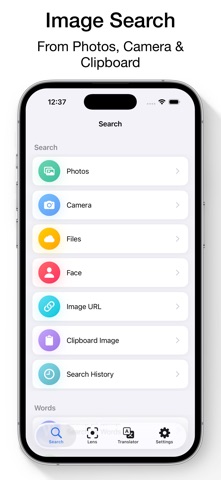 1 · in search
 2 · in search
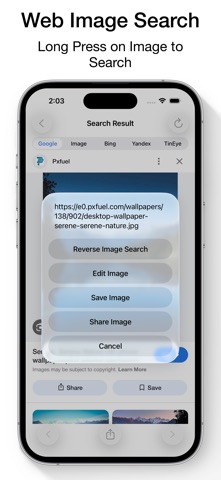 3 · in search
 4
4 5
5Grouped by theme from the most recent written reviews. Run this on a competitor and the complaints become your feature list.
Reads the recent reviews in any language and tells you what to fix, and what a competitor could exploit.
Apps Apple shows next to this one, run through the same audit.
Metadata Studio checks character limits, wasted words and keyword coverage as you type.
Audit of the public listing as of today. The hidden 100-character keyword field cannot be read from outside App Store Connect, so it is not scored.
No user counts, press or awards mentioned.
Add one line of proof near the top: user count, rating, a press quote or an Apple feature.
Three title and subtitle options plus a keyword field, each checked against Apple's character limits.
The description keeps coming back to these, but the title and subtitle skip them. Check each one in Keyword Scout and move the winners into the keyword field.
Live position in Apple's search results. Checks are saved in this browser, so the next visit shows what moved.
Positions come from Apple's public search API and can differ by a few places from what a phone shows.
 7
7 8
8 9
9“It’s ridiculous how this app was very solid and now you have to pay to even use the other search engines, it’s just a pay grab and I’m officially done using this trash ap…”
“Every single time you try to search an image, a 30 sec ad pops up. Even if you go back and click on some other option another ad comes up. Used to be better before.”
“It's nothing more than Google image and Tin Eye search which is free ! Why would I need a paid app to perform a free service ? Stupid. They got me for the the 1 week …”
“I have used this app for at least 6+ years until today. I’m so disappointed in your choice to charge for something after this long of it being free. Use to be a sold app …”
“Why is this SO hard?”
“Fast easy get results when your not waiting for ads be done I can deal with ads no problem for me very good easy to use”
“I’ve had tremendous success with this App , I’ve tried a lot , this was best I’ve seen . I don’t use Google for searching anything on the internet , I use this search , q…”
7,876 mApple did not list any similar apps for this one.