Reading the listing…
Pulling metadata, screenshots and recent reviews from the App Store.
Reading the listing…
Pulling metadata, screenshots and recent reviews from the App Store.

Cross-Platform Media Viewer · Naomoto Niwayama
Solid listing with a few clear gaps to close.
Land the top 3 fixes below and this listing reaches 81/100 · 7,168 m (High Camp).
5,398 mOrdered by how many points each one adds to the score. Start at the top.
2/10 iPhone screenshots.
Add 6 more. Each screenshot is a free ad panel: one benefit per panel, caption in large type.
9/30 characters used.
The title is the heaviest ranking field. You have 21 characters unused: add your strongest keyword after the name, e.g. “Illustail: <main keyword>”.
Title is the name alone.
Nobody searches for a name they have never heard of. Append what the app does in the words people type (“Habit Tracker”, “Budget Planner”).
On iOS, only the title, subtitle and hidden keyword field count for search. The description does not. Words you only mention there are invisible.
5 unique words. Apple combines them, so “budget” and “planner” also rank for “budget planner”.
The first three do most of the selling: they appear directly in search results. Read them as a stranger would, in two seconds.
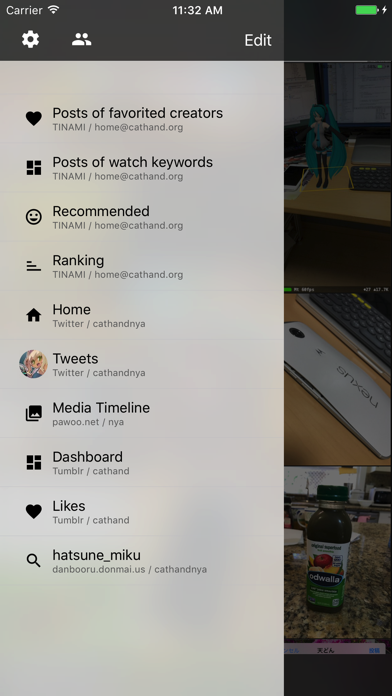 1 · in search
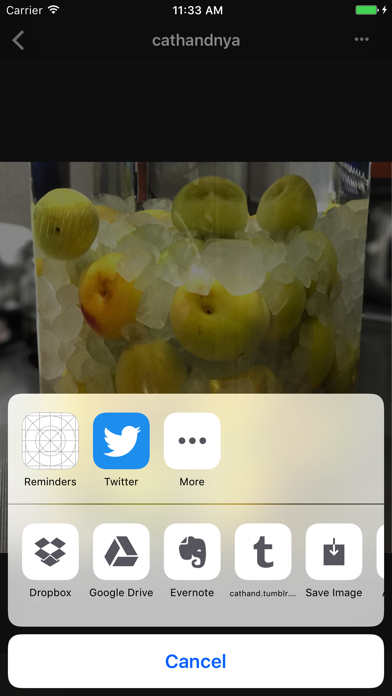 2 · in search
Grouped by theme from the most recent written reviews. Run this on a competitor and the complaints become your feature list.
Reads the recent reviews in any language and tells you what to fix, and what a competitor could exploit.
All-time: 64% five-star across 45 ratings.
Apps Apple shows next to this one, run through the same audit.
Metadata Studio checks character limits, wasted words and keyword coverage as you type.
Audit of the public listing as of today. The hidden 100-character keyword field cannot be read from outside App Store Connect, so it is not scored.
45 ratings.
Rating volume feeds ranking and trust. Add an in-app prompt at a positive moment; most apps collect 1 to 3 percent of active users this way.
4.20 average.
Conversion drops sharply below 4.5. Ask for a rating with SKStoreReviewController right after a success moment, never on launch.
2 languages.
Each localisation adds a new title, subtitle and 100-character keyword field. Even without translating the app, localise the listing for ES, DE, FR, PT-BR and JA.
Three title and subtitle options plus a keyword field, each checked against Apple's character limits.
The description keeps coming back to these, but the title and subtitle skip them. Check each one in Keyword Scout and move the winners into the keyword field.
Live position in Apple's search results. Checks are saved in this browser, so the next visit shows what moved.
Positions come from Apple's public search API and can differ by a few places from what a phone shows.
“soooo basically when i launched it to use it and go to danbooru, and when i went to search, it wouldn’t load anything at all no matter what i typed please help meeee. and…”
“One of the only Dropbox slideshow apps I could find, so for that reason alone it’s worth a look. However video files don’t seem to be supported, plus folders that contai…”
“Can't link to any folder other than "Photos Album." You can add your Twitter, tumblr, whatever social media account because that's what image viewers do.”
“Illustail is a wonderful app, the best one for search and download images from danbooru. It syncs with Dropbox and Evernote. It used to work perfectly but the newest vers…”
“Despite not being able to understand Japanese, I eventually managed to add danbooru.donmai as an image search option for this app. It wasn't hard to find and add it and e…”
“Very good tool to use if you like viewing or browsing some social media blogs like Tumblr, Twitter, etc. Works well on iPad and Mac that run intel based processor but I j…”


