Reading the listing…
Pulling metadata, screenshots and recent reviews from the App Store.
Reading the listing…
Pulling metadata, screenshots and recent reviews from the App Store.
Solid listing with a few clear gaps to close.
Land the top 3 fixes below and this listing reaches 81/100 · 7,168 m (High Camp).
 5,663 m
Ordered by how many points each one adds to the score. Start at the top.
2.22 average.
Conversion drops sharply below 4.5. Ask for a rating with SKStoreReviewController right after a success moment, never on launch.
5/10 iPhone screenshots.
Add 3 more. Each screenshot is a free ad panel: one benefit per panel, caption in large type.
Last 40 written reviews average 1.8★.
Recent written reviews trend negative, and they are the first ones visitors read. Reply to them and fix the top complaint (see Review Radar below).
On iOS, only the title, subtitle and hidden keyword field count for search. The description does not. Words you only mention there are invisible.
3 unique words. Apple combines them, so “budget” and “planner” also rank for “budget planner”.
The first three do most of the selling: they appear directly in search results. Read them as a stranger would, in two seconds.
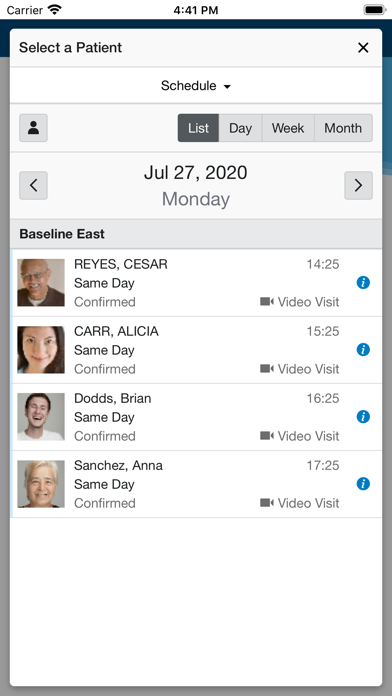 1 · in search
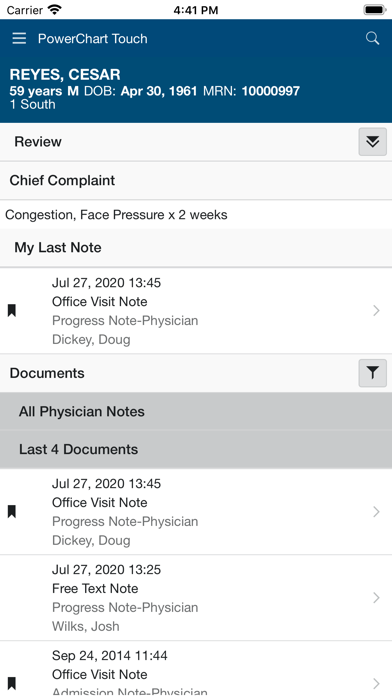 2 · in search
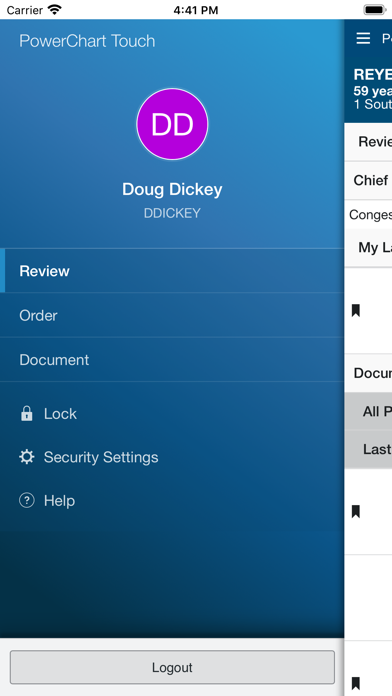 3 · in search
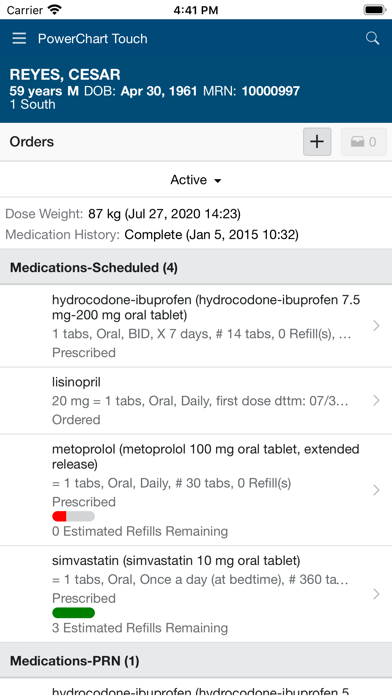 4
4Grouped by theme from the most recent written reviews. Run this on a competitor and the complaints become your feature list.
Reads the recent reviews in any language and tells you what to fix, and what a competitor could exploit.
All-time: 17% five-star across 207 ratings.
Apps Apple shows next to this one, run through the same audit.
Metadata Studio checks character limits, wasted words and keyword coverage as you type.
Audit of the public listing as of today. The hidden 100-character keyword field cannot be read from outside App Store Connect, so it is not scored.
207 ratings.
Rating volume feeds ranking and trust. Add an in-app prompt at a positive moment; most apps collect 1 to 3 percent of active users this way.
16/30 characters used.
The title is the heaviest ranking field. You have 14 characters unused: add your strongest keyword after the name, e.g. “PowerChart Tou: <main keyword>”.
Title is the name alone.
Nobody searches for a name they have never heard of. Append what the app does in the words people type (“Habit Tracker”, “Budget Planner”).
Three title and subtitle options plus a keyword field, each checked against Apple's character limits.
The description keeps coming back to these, but the title and subtitle skip them. Check each one in Keyword Scout and move the winners into the keyword field.
Live position in Apple's search results. Checks are saved in this browser, so the next visit shows what moved.
Positions come from Apple's public search API and can differ by a few places from what a phone shows.
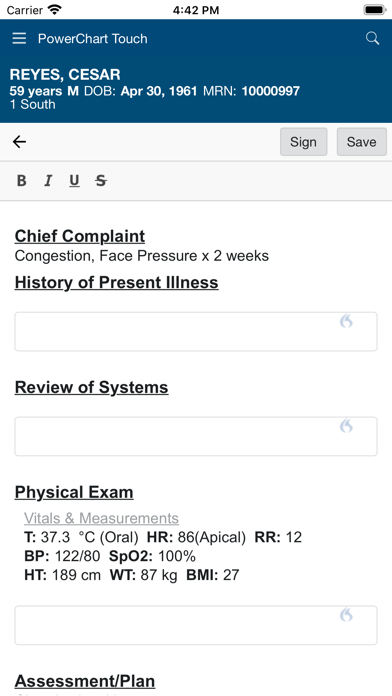 5
5“The new update has ruined the app. If the app actual opens it freezes and won’t start back up. My days have gotten longer playing with this. Please fix this!!”
“The app would be so nice to be able to See where patients are to round, but it ALWAYS freezes up!! I need to restart my phone for it to work”
“Slow and archaic. Best description I’ve heard from a fellow physician, “It’s ok for everything except admitting, discharging or writing patient orders”.”
“App already very poorly made, now with new update requires you to sign in TWICE with a captcha and isn’t letting me log in. We don’t have a choice but to use the app but …”
“Unable to find physician handoff in new update. App UI is also much less intuitive and requires more steps to login.”
“Very slow, clunky, not intuitive... took me 5 minutes of searching for patient’s contact info before I decided my time would be better spent warning others of this disapp…”
“Very useful for review of data quickly. The most recent updates have lost blood pressure and weight data to show but still helpful and very efficient for rounds.”
“I tend to use the iPhone app more, however my biggest issue is with the slow loading speeds. This must be improved! Otherwise, I am happy to see more ordering features an…”
“Media needs to be able to be added from photo gallery and files not just camara.”
“Overall the app continues to improve and physicians have adopted PC touch with favorable reviews. Here are a few recommendations: 1. Include a detailed list of all upgrades for new releases on the App Store. Most us…”
5,663 mApple did not list any similar apps for this one.