Reading the listing…
Pulling metadata, screenshots and recent reviews from the App Store.
Reading the listing…
Pulling metadata, screenshots and recent reviews from the App Store.
Well optimised. What's left is fine-tuning.
Land the top 3 fixes below and this listing reaches 89/100 · 7,876 m (Summit Ridge).
 6,548 m
Ordered by how many points each one adds to the score. Start at the top.
Last update 673 days ago.
Apps that ship regularly get re-crawled and keep their ranking. Aim for an update every 4 to 6 weeks, even a small one.
Last 40 written reviews average 2.0★.
Recent written reviews trend negative, and they are the first ones visitors read. Reply to them and fix the top complaint (see Review Radar below).
4.44 average.
Conversion drops sharply below 4.5. Ask for a rating with SKStoreReviewController right after a success moment, never on launch.
On iOS, only the title, subtitle and hidden keyword field count for search. The description does not. Words you only mention there are invisible.
4 unique words. Apple combines them, so “budget” and “planner” also rank for “budget planner”.
The first three do most of the selling: they appear directly in search results. Read them as a stranger would, in two seconds.
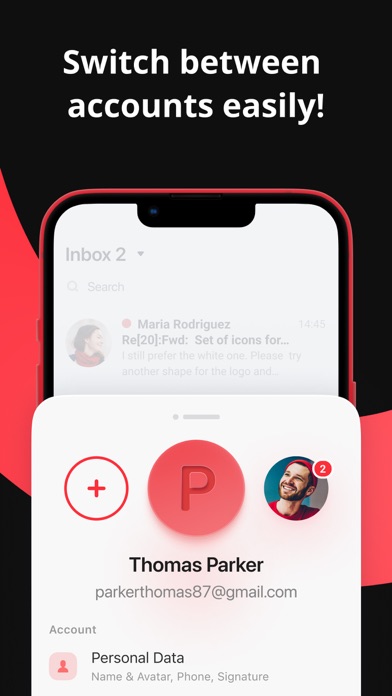 1 · in search
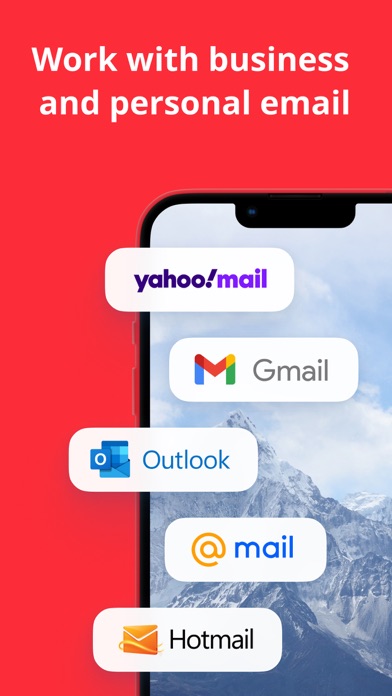 2 · in search
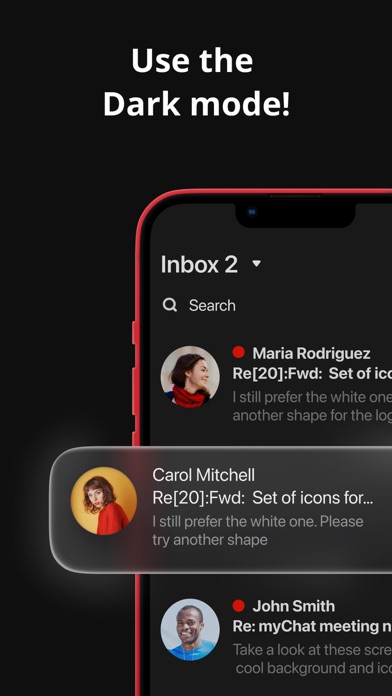 3 · in search
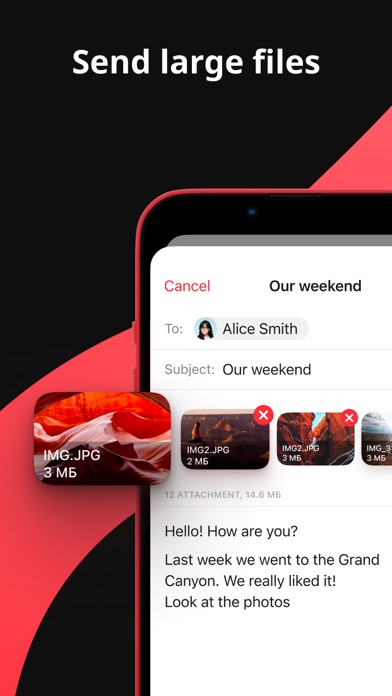 4
4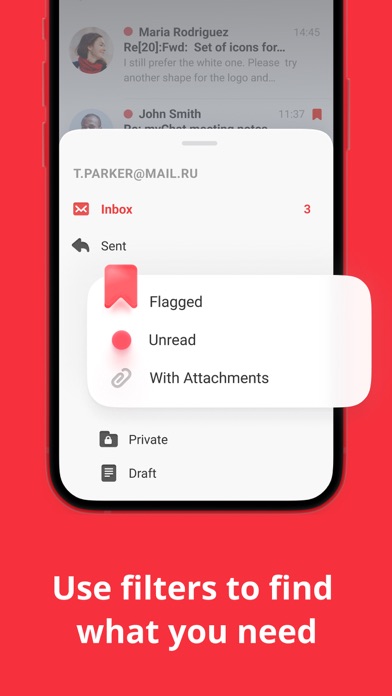
Grouped by theme from the most recent written reviews. Run this on a competitor and the complaints become your feature list.
Reads the recent reviews in any language and tells you what to fix, and what a competitor could exploit.
Apps Apple shows next to this one, run through the same audit.
Metadata Studio checks character limits, wasted words and keyword coverage as you type.
Audit of the public listing as of today. The hidden 100-character keyword field cannot be read from outside App Store Connect, so it is not scored.
7/10 iPhone screenshots.
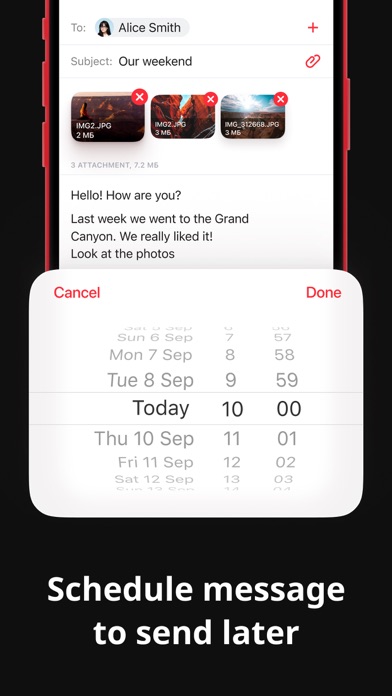
Add 1 more. Each screenshot is a free ad panel: one benefit per panel, caption in large type.
Generic notes: “Bug fixes and stability improvements.”
“Bug fixes and improvements” tells existing users nothing. Name what changed: it is free re-engagement copy shown in the Updates tab.
Contains filler: “app”.
Words like “app” are indexed for free or carry no intent. Swap them for a real keyword.
Three title and subtitle options plus a keyword field, each checked against Apple's character limits.
The description keeps coming back to these, but the title and subtitle skip them. Check each one in Keyword Scout and move the winners into the keyword field.
Live position in Apple's search results. Checks are saved in this browser, so the next visit shows what moved.
Positions come from Apple's public search API and can differ by a few places from what a phone shows.
 6
6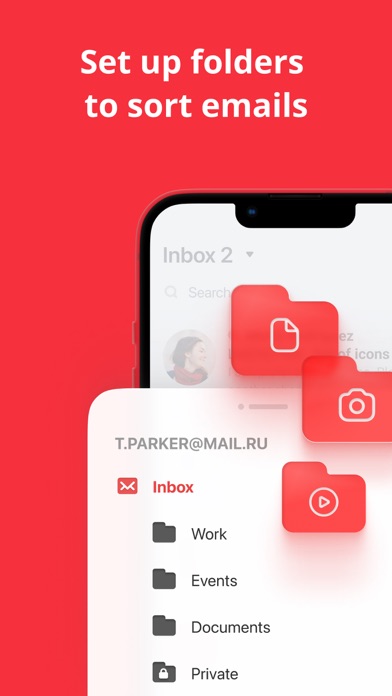 7
7“App Not working suddenly. Can’t log in. It says too many attempts after entering my phone number for recovery which I only log in once.”
“For some reason it just stopped working, it just keeps crashing. I uninstalled it, I reset my network settings, it just won’t work, and I actually loved this app.”
“Despite numerous attempts from support for the app to send me notifications for my emails, they don’t have a fix. Been well over a year now and still doesn’t notify me l…”
“When I’m on the app it will drop out and I’m back to my Home Screen. This just started. I’ve deleted and uploaded the app many times but still drops out to home screen.”
“Can’t sign in why? I was hoping some stuff I had would still be there need to be able to access it.”
“They have done so many upgrades in their app that it’s a very easy and smooth sailing app to use”
6,548 mApple did not list any similar apps for this one.