Reading the listing…
Pulling metadata, screenshots and recent reviews from the App Store.
Reading the listing…
Pulling metadata, screenshots and recent reviews from the App Store.

Secure, fast & organized email · Google
Top-tier listing. Defend it and keep shipping.
Land the top 3 fixes below and this listing reaches 96/100 · 8,495 m (Summit Ridge).
7,787 mOrdered by how many points each one adds to the score. Start at the top.
Last 40 written reviews average 2.7★.
Recent written reviews trend negative, and they are the first ones visitors read. Reply to them and fix the top complaint (see Review Radar below).
Generic notes: “Bug fixes and performance improvements.”
“Bug fixes and improvements” tells existing users nothing. Name what changed: it is free re-engagement copy shown in the Updates tab.
715 MB.
Large downloads lose installs on cellular and in low-storage markets. Use on-demand resources and trim bundled assets.
On iOS, only the title, subtitle and hidden keyword field count for search. The description does not. Words you only mention there are invisible.
6 unique words. Apple combines them, so “budget” and “planner” also rank for “budget planner”.
The first three do most of the selling: they appear directly in search results. Read them as a stranger would, in two seconds.
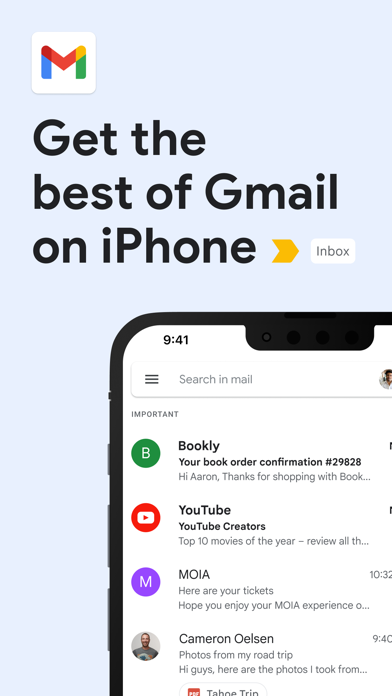 1 · in search
 2 · in search
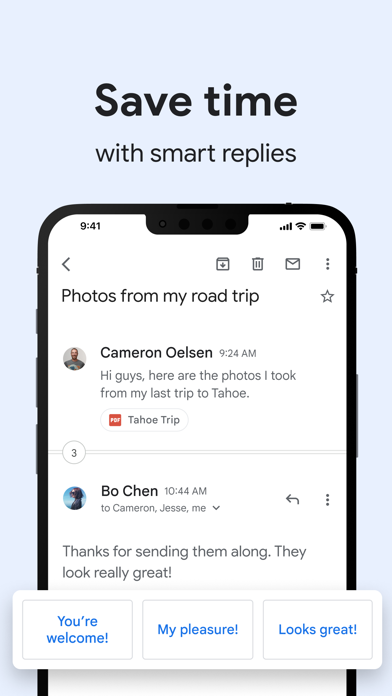 3 · in search
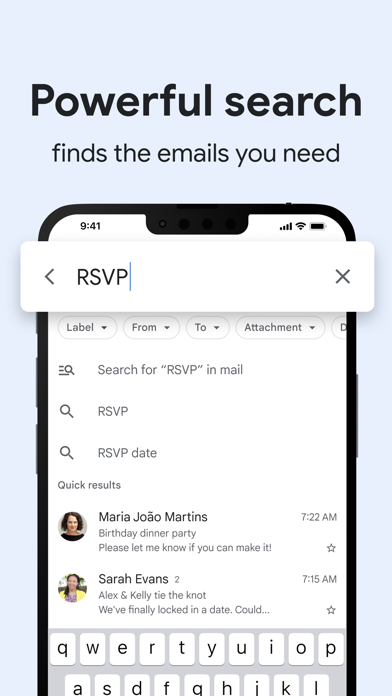 4
4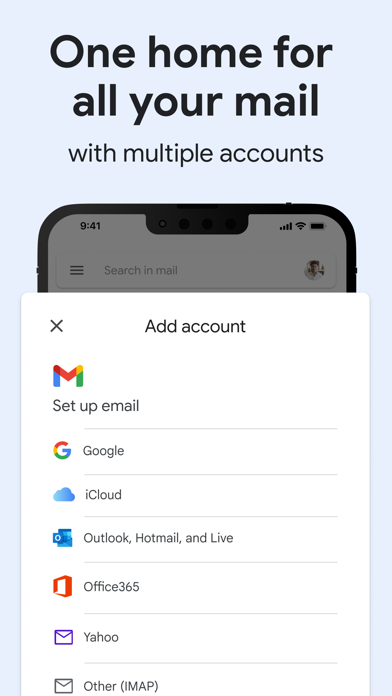 5
5Grouped by theme from the most recent written reviews. Run this on a competitor and the complaints become your feature list.
Reads the recent reviews in any language and tells you what to fix, and what a competitor could exploit.
All-time: 86% five-star across 2.4M ratings.
“Can’t swap signatures on iOS. Basic functionality missing. Spark Mail it is… (I’m just a regular user, no affiliation with spark mail)”
Apps Apple shows next to this one, run through the same audit.
Metadata Studio checks character limits, wasted words and keyword coverage as you type.
Audit of the public listing as of today. The hidden 100-character keyword field cannot be read from outside App Store Connect, so it is not scored.
Repeats title words: “email”.
Apple counts a word once across title, subtitle and keyword field. Replace “email” with words you do not rank for yet.
No user counts, press or awards mentioned.
Add one line of proof near the top: user count, rating, a press quote or an Apple feature.
Three title and subtitle options plus a keyword field, each checked against Apple's character limits.
The description keeps coming back to these, but the title and subtitle skip them. Check each one in Keyword Scout and move the winners into the keyword field.
Live position in Apple's search results. Checks are saved in this browser, so the next visit shows what moved.
Positions come from Apple's public search API and can differ by a few places from what a phone shows.
 7
7 8
8 9
9 10
10“My account appeal was approved, but I’m stuck on “Too many attempts” and can’t log in. The approval email says my account may be deleted if I don’t log in soon.”
“Cannot render emails on ios, i can see the email body on android and my macbook, i cannot see the same email in my iphone Reply to the dev: It is not a SYNC issue, i can…”
“The new UI is so hard to visually comprehend. As someone with some visual issues, differentiating the text now is quite hard. I wish that users had the option to use the …”
“Yall need to do a new update my gmail is not uploading my emails and it’s lagging”
“Well what to say… Way better than the original app, easy switch between accounts. Using for a decade. Keep up to date and we never leave you”
“The new update has made it much harder to see which emails are new and which ones I’ve already read. Everything looks blended together, and there’s no easy way to tell at…”
“I enjoy using the Gmail app. Love all the features that you can do with it. I have Gmail for both work and personal. Love that the development team is constantly updating…”


